
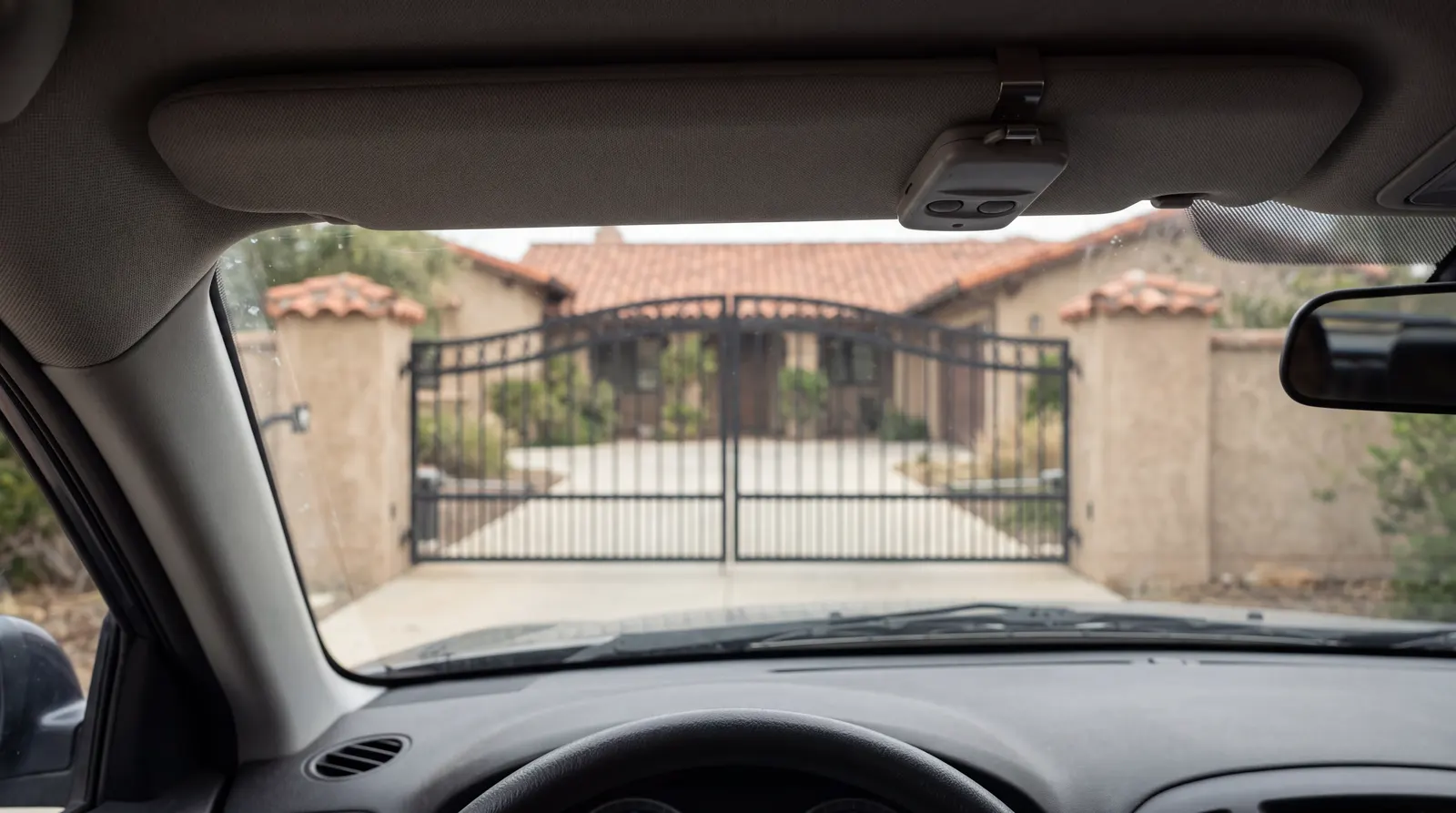
You press the remote. Nothing. No click, no hum, no movement. “Nothing happens” sounds like the vaguest symptom a gate can have, but it splits cleanly into two different problems: either the command is not reaching the gate, or the gate got the command and cannot or will not act on it. A minute of checking tells you which side you are on. We have repaired automatic gates across the San Gabriel Valley since 2004, and this is the order we work through it.
Start by Trying Every Way In
Use every method you have of opening the gate: each remote, the keypad, the button in the house or at the operator, the phone app. If any one of them works, the gate is fine and the fault is in the device that did not. If none of them works, skip to number 4.
1. The Remote
Remote batteries fade before they die. The range shrinks over a few weeks, you find yourself holding the remote up to the windshield, and then one day it does nothing. The little light on the remote can still come on with a battery too weak to reach the gate.
Try this: replace the battery, then compare remotes. One dead remote among several working ones is a remote problem. If every remote stopped on the same day, they were probably erased from the receiver, which can happen when someone clears its memory to remove an old user. They need to be programmed back in.
2. The Receiver and Its Antenna
The radio receiver sits in or near the operator and listens through a short antenna. Landscapers break antennas off, and an antenna left coiled inside a metal cabinet hears almost nothing. The symptom is a remote that only works when you are standing next to the operator. Some LED lights near the gate cause the same thing after dark, which we cover in why a gate works during the day but not at night.
Try this: find the antenna, usually a short wire or stub on the control box, and check that it is intact and outside the cabinet. Do not trim or extend it. Its length is matched to the radio.
3. The Keypad
Wireless keypads have their own batteries, usually behind the faceplate, and they fail the same slow way remotes do. Wired keypads fail from sun and water: a button you press every day stops registering, or moisture gets into the wiring. Many keypads also lock out for a short time after several wrong codes, which feels exactly like a dead keypad.
Try this: replace the batteries if the keypad has them, wait a few minutes, and enter the code slowly. If one digit never beeps or lights, the keypad itself is worn out.
4. A Battery or Solar Gate With a Flat Battery
If your gate runs from a battery, as most solar gates and many residential gates on a small plug-in transformer do, a flat battery produces exactly this symptom. You press anything and get nothing, or a single click, or a gate that moves a few inches and quits.
The trap is that the real cause often happened days earlier. The transformer was unplugged for a pressure washer, the outlet’s GFCI tripped, or a tree grew over the solar panel. The gate ran on stored charge until there was none left.
Try this: find the transformer, a small box plugged into an outlet in the garage or outside, and confirm it is plugged in and the outlet is live. Reset any tripped GFCI. On a solar gate, clean the panel and clear its shade. Then give the battery a full day to charge. A battery that is a few years old, or one that went completely flat, may not come back, and replacing it is a quick service visit.
5. The Operator Has No Power
On a gate wired straight to utility power, no lights on the operator and no sound at all usually means a tripped breaker, a tripped GFCI, or the operator’s own power switch turned off. We walk through those in why an automatic gate won’t open.
6. The Gate Has Locked Itself Out
This one surprises people. Under the UL 325 safety standard, an operator that senses an obstruction twice in a row has to stop, sound an alarm, and refuse to run again until someone resets it at the gate. In that state it ignores remotes on purpose. The alarm may have timed out by the time you find it, so all you see is a gate that does nothing.
Try this: look for what it hit: a trash bin, a rock in the track, a branch. Clear it, then press the reset or stop button on the operator, with the gate in full view. If it locks out again with nothing in the way, the gate is binding or a sensor is failing. Do not keep resetting it. The lockout is the safety system working.
7. Something Else Is Holding the Gate
An operator with its lights on that ignores everything is often obeying a different command. A hold-open switch or timer, a stuck exit sensor, a lock or vacation switch on an indoor control, a fire department key switch left on, or wiring shorted by rain can all hold an input active. The operator is not dead. It is being told to stay put.
Try this: check any indoor control for a lock switch, and check whether a hold-open or party mode was set at the keypad or in the app. Past that, note which indicator lights are on at the control board and pass that along. Those lights tell a technician which input is stuck.
What Not to Do
Do not jumper or bypass a safety sensor to see if that is the problem, and do not push or pull the gate against the operator. If you need to get a car out, use the manual release the way your manual describes, and put the operator back in gear afterward. A gate left in manual release is the usual reason behind our other common call, the motor runs but the gate won’t move.
When to Call
Fresh batteries, a reset breaker, a cleaned solar panel, and a cleared obstruction are fair game. Reprogramming receivers, replacing batteries inside the operator, and anything on the control board are faster and safer with a technician who knows your operator model. If the gate also has to keep tenants or employees moving, ask about a maintenance plan when we are out. Our gate maintenance guide lays out what each plan covers.
Gate stuck right now? Call AD Security, Inc. at (626) 421-7250 or request service online. We repair all major gate operator brands, including LiftMaster, DoorKing, and FAAC, throughout Covina, Pasadena, and Southern California.